Two rounds of comments
The AI preview and the approval stage each include two rounds of comments, and the clay renders include one. Any further round on any stage is billed separately. This keeps approvals short and predictable. Below is how to fit into the included rounds.
Why the rounds are limited
Unlimited revisions look generous and drag a project out. Nobody makes the decision, comments come from five people in three chats, and the deadline slips. With a small number of rounds, a decision has to be made at each checkpoint, and the scope stays the way it was agreed. Anything that changes after a stage is approved counts as a change. It gets its own line in the estimate, and we discuss that line before we open the file.
A round is not a single comment. One round holds as many remarks as you need, as long as they arrive as one list by one date. The round closes when we send back the corrected images.
Brief
Most extra rounds start in the brief. If we have not seen the elevations, we have to guess the facade panels. If the landscaping is "coming later", we put in a placeholder and redo it afterwards. Send the full set at the start: floor plans, sections, elevations in PDF or DWG, the 3D model, the materials and colour specification, the site plan. And name one person who has the final word. The rest of this text assumes you did.
Camera and composition
What you get: clay renders at 2500 px. They have no materials, lighting or people, only the geometry and the camera. One round of revisions is included.
What to check: the angle, what is in the frame and what is cut off, the camera height, the lens. Check that the entrance is visible, that the frame shows the yard and not the parking, and that the crop works on the brochure page it is made for.
What not to comment on: colours, sky, trees, people, "it looks flat". None of that exists in a clay render yet, so such a comment only takes up space in the round.
What to send back: one numbered list per image from one person. "Camera 2: lower by a metre and turn left so the playground is visible" is a change we make in an hour. A request to "make it more inviting" does not apply to clay renders; its time comes at the AI preview.
AI preview
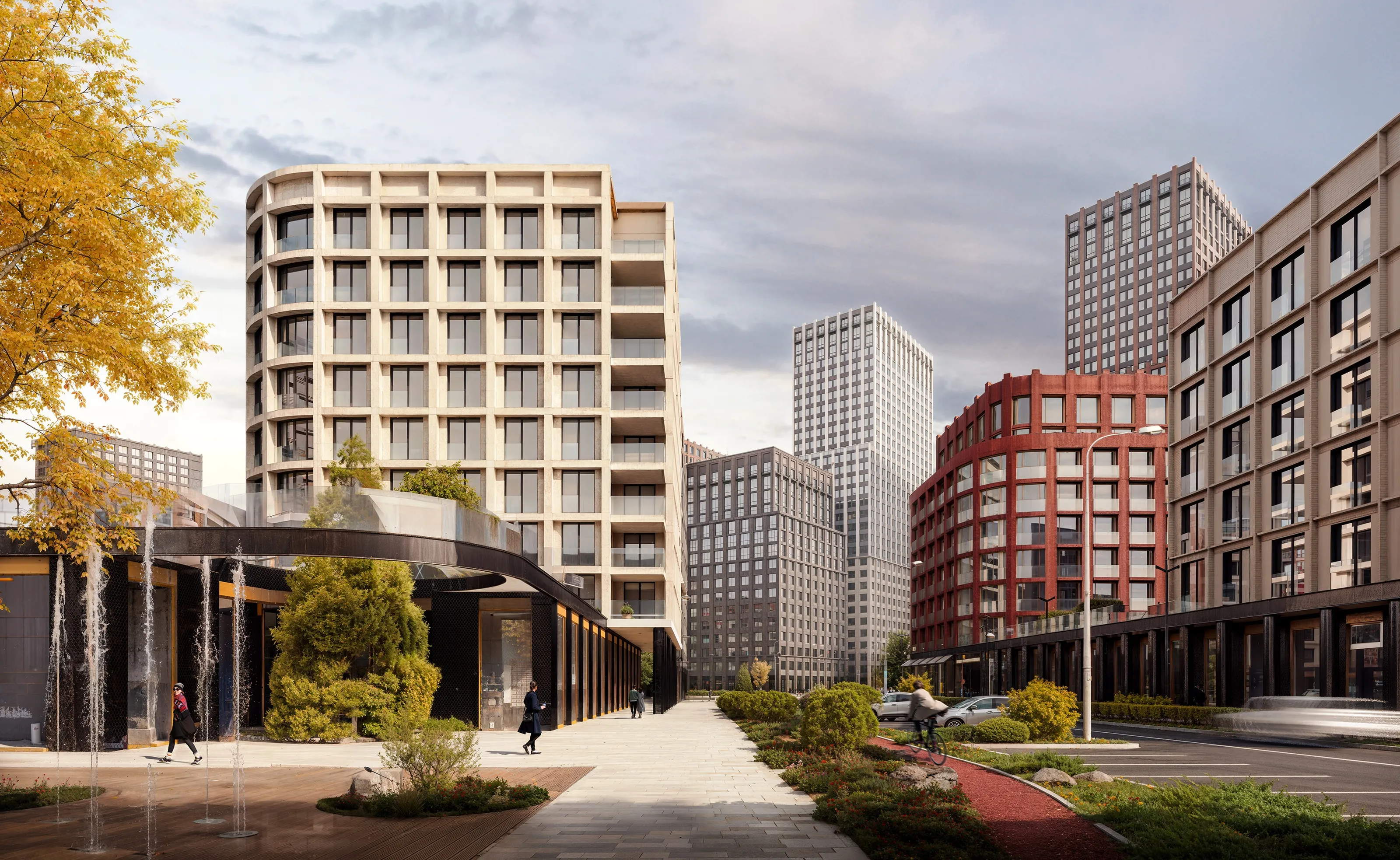
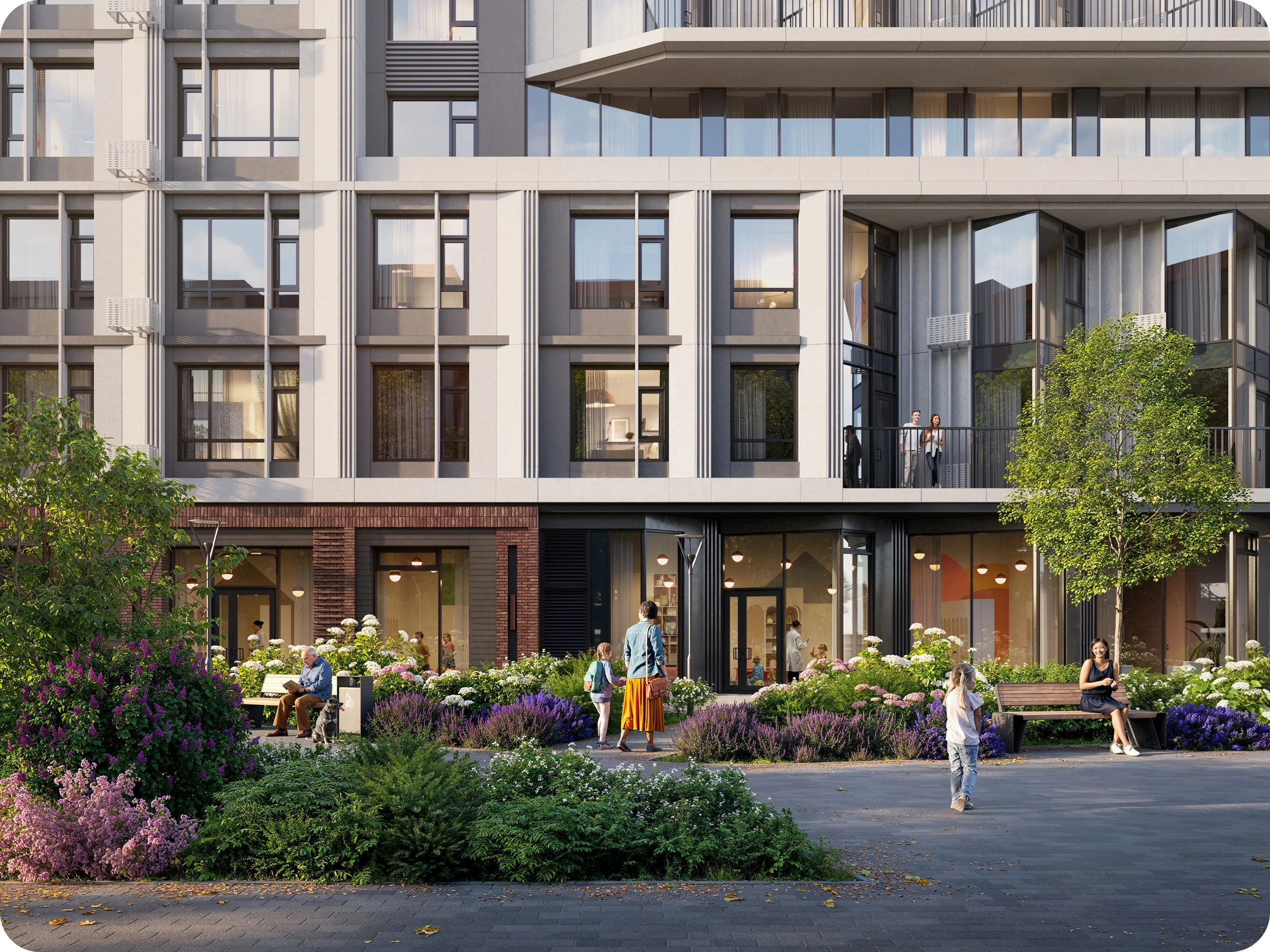
What you get: a preview of every image at 2500 px, before the final rendering. Materials, lighting, landscape and people are in place. We use AI to show the mood, season and light quickly, so you can discuss them without waiting for the final render. Two rounds of comments are included.
What to check: materials against the specification, facade details against the drawings, time of day, season and weather. How many people are in the frame and what they are doing. Cars, signage, the neighbouring buildings. This is the last stage where moving a tree or changing the sky is inexpensive.
What not to comment on: sharpness, noise, small colour shifts. Post-production fixes these, and a comment now would use up a round on something that will change anyway.
What to send back: marked-up images. A screenshot with a circle and one sentence works better than three paragraphs. If two departments disagree, settle it before you send: we cannot render both opinions.
Approval
What you get: images close to final. Before sending them we check every frame against the drawings and the brand book. Two rounds of comments are included.
What to check: the colour balance and the crop for each placement. This is where you confirm that the brochure crop still shows the entrance and the web version is not too dark on a phone screen.
What not to do: move the camera or change the facade material. That is a return to an earlier stage, and it is billed as one.
Final
What you get: 5000 px images with post-production, video cuts if they were in the scope, and source files in the agreed formats.
What to check: file names and formats. The images are already approved by now, so you receive the files and launch.
What counts as a change
A change is anything that makes us redo approved work. A new camera after the cameras are approved. A different facade material after the preview is approved. New drawings after any approval. A different season because the launch moved.
Fixing our own mistake does not count as a change. If the render shows five floors and the drawing shows six, we fix it at our cost at any stage. The same applies if a material does not match the specification you sent. Our mistake stays ours, and your new decision counts as a change.
For borderline cases, before we open the file, we write down what exactly changes, what it costs and how far the deadline moves. We start once you confirm.
How to stay within the included rounds
Collect comments inside your team before sending them: one numbered list per image, one sender, one reply date. Do this at every stage and the included rounds are enough. Often the second round is a short "approved".
Read us in Telegram
Work in progress, backstage and short notes between articles.