AI reference in the pipeline
The most expensive comment in visualization is "the mood is wrong". It usually arrives at the preview, when the scene is already built, the lighting is set and the people are placed. So we talk about mood in the first days of a project, and we use AI references to do it.
Why AI helps here
Mood is hard to put into words. "Warm evening, lively but not crowded, premium but not cold" means different things to a developer's marketing lead, an architect and a 3D artist. Photos of other projects help, but they show other buildings, and the discussion quickly turns into "we do not want that facade".
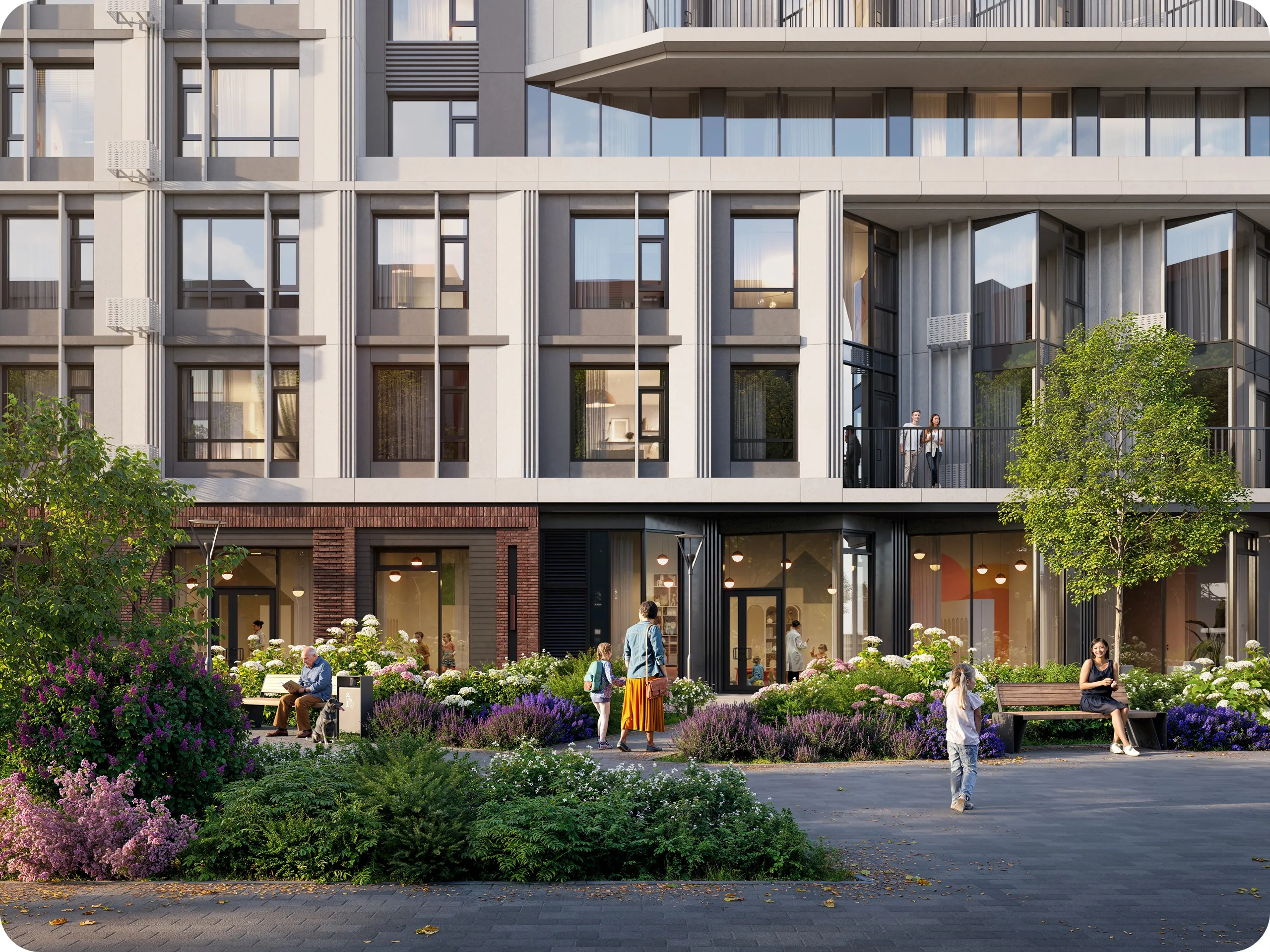
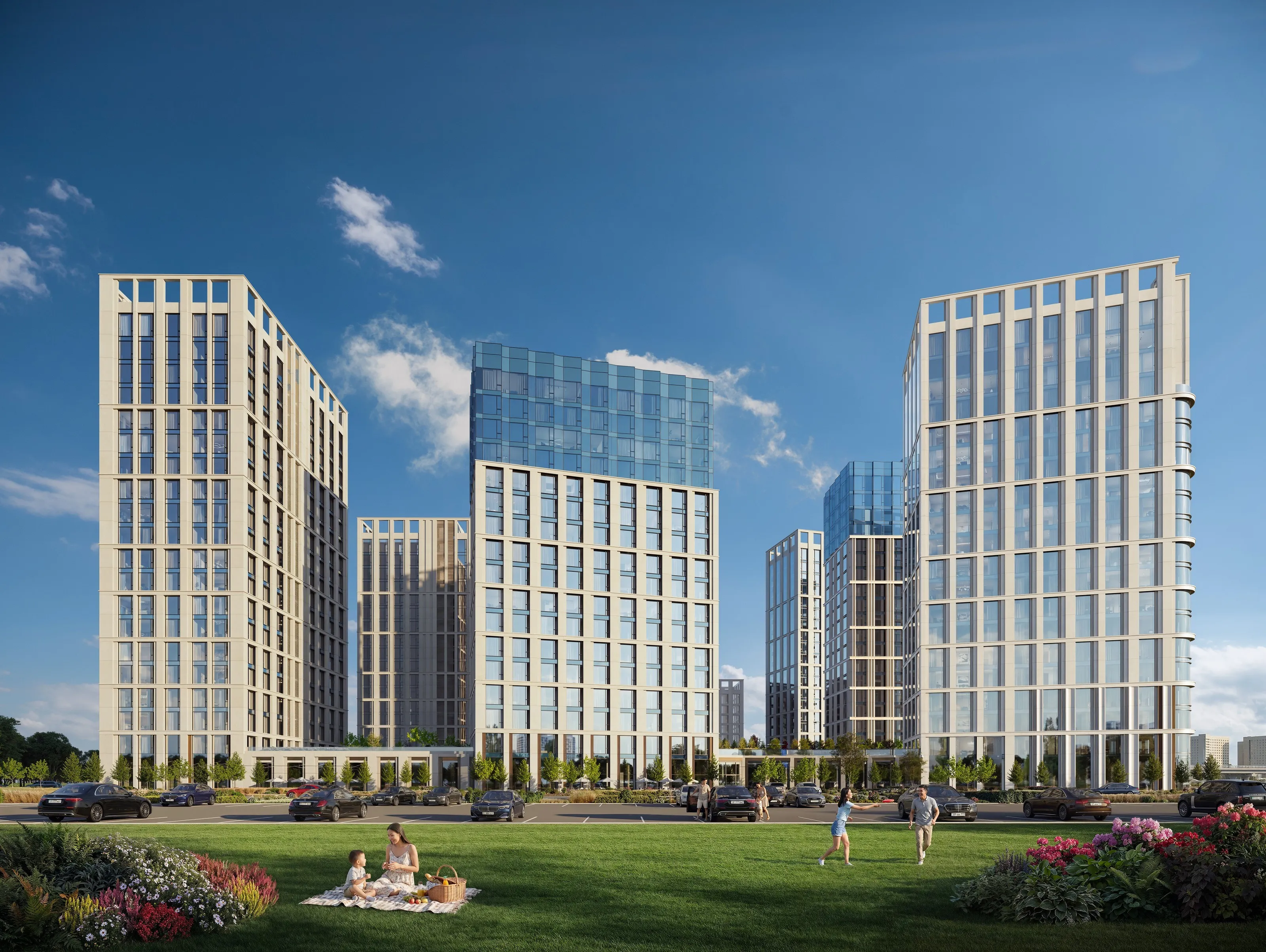
A generated reference shows the mood on something close to your building: similar massing, height and surroundings. It is quick to make, easy to throw away, and nobody will mistake it for a final render. That makes it useful in a discussion. Nobody comments on a window in a mood board, because everyone can see it is not the project yet.
Where it sits in the process
At the Camera and composition stage we send the clay renders of the cameras together with a set of AI mood boards: time of day, season, weather, how many people are in the frame, what the light is like. You pick one direction or ask us to mix two. From then on it is the target for the 3D scene. The lighting and the sky are set to match it, the landscape colours are chosen from it, and it tells us where people stand and what they do.
A set usually runs along a few axes. Two times of day, two seasons, a weekday and a weekend (in the number of people), clear or overcast. It is better to keep the set small, because a short set gets a faster decision. If the brand has a tone guide, we make the boards within it.
The chosen board records a decision as a picture. When the AI preview arrives, the question "is this the mood we agreed on?" can be answered by pointing at a specific board. Comments get more precise too: "warmer, like board three" instead of "something is off".
What the 3D artists do
The renders themselves are built by 3D artists from your drawings. Walls, windows, balconies and parapets are modelled from the elevations and plans, and the materials come from the specification. At the Approval stage every frame is checked against the drawings and the brand book: floors are counted, panel lines are matched. People in the frame stand where it was agreed at the preview, by the entrance, on the playground, in the yard.
At the preview, AI helps us show the mood, the season and the light quickly, so they can be discussed before the final rendering. The geometry and materials of the building still come from your documentation.
AI on top of finished renders
Once the renders are approved, we can use them to make extra content: lifestyle scenes and ad images for the campaign. The approved renders are the starting point, so the building in these images is the one you signed off. We give this content as a bonus to the main package.
What it changes for you
Fewer surprises at the preview, because the mood was agreed before much work went into the scene.
A faster first stage. Mood boards take hours, so the direction is settled while the scene is still being modelled.
A place to disagree. If the marketing team and the architect picture the project differently, they discuss a board that cost almost nothing. A render that took a week of work never becomes the subject of that argument.
One reference for every format. The board chosen for the stills also sets the grade of the video and of the vertical cuts for social media, and the whole campaign looks like one project.
Your files
Mood boards are generated from a text description and rough massing, and they do not need your drawings. Your materials are used only for your project. We sign an NDA on request, and the details are on the AI policy page.
If you do not want generative tools in the project, say so in the brief. We then work with photo references, and the first stage takes a little longer.
The finished boards stay with you along with the rest of the project materials. You can pass them to the brand agency or add them to the brief for a photo shoot.
What to add to the brief
When you write a visualization brief, attach three photos of places that feel the way your project should feel. Places where you would like to be are more useful here than buildings you happen to like. The mood board starts from these photos, and they save a round of comments at the preview more often than any other input we get.
Read us in Telegram
Work in progress, backstage and short notes between articles.